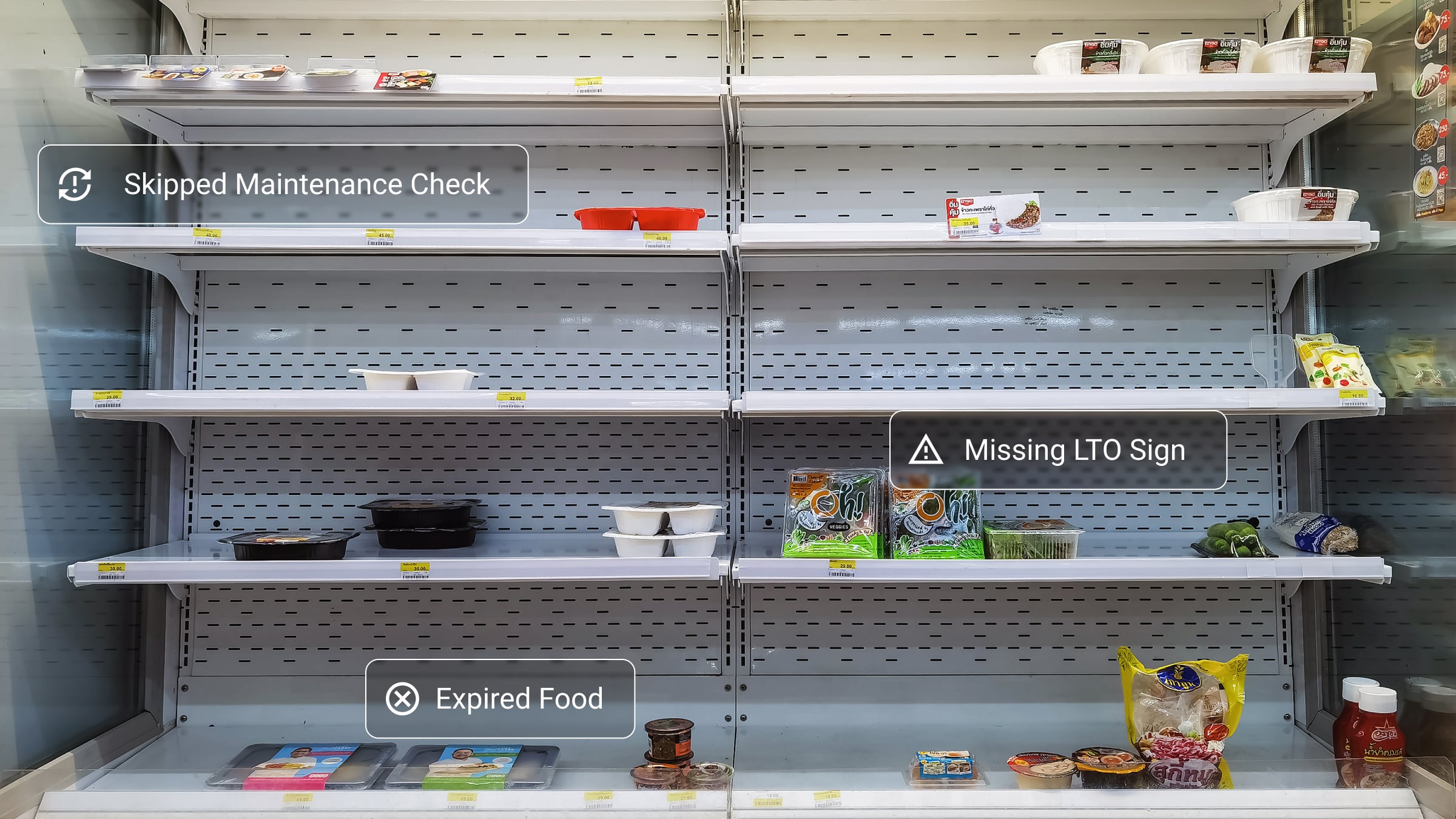
Store walk-throughs give convenience store operators an easy way to benchmark whether every location is following brand SOPs for food safety, cleanliness, merchandising, and equipment correctly.
But a store inspection program is only as effective as its schedule and documentation process. If either has issues, your walk-through program could leave your operation open to issues that damage your guest experience and bottom line. Not sure if your program needs updating? Here are three ways to tell if your store walk-through program needs a refresh — and three tips on how to turn it around.
Issue #1: You Can’t Easily Confirm When Each Store Was Last Audited
If your walk-through information lives in paper checklists, spreadsheets, or scattered emails, it can be difficult for operations leaders to know whether stores are being audited on a consistent schedule. Without that visibility, important issues can go unnoticed.
The fix: Digitize your walk-throughs for better visibility
Having all of your walk-throughs live in one digital operations execution system makes it simple to find and reference the documentation when you need it. It gives operators a clear record of past audits, makes it easier to identify locations that need attention, and helps teams stay ahead of issues that could impact customers.
Issue #2: Store Execution Stays the Same Visit After Visit
A store walk-through only creates value if it leads to action. If managers keep finding the same issues during every audit, you may have a follow-through problem. Without a reliable way to assign corrective actions, track ownership, and confirm completion, identifying a problem doesn’t necessarily mean fixing it. And over time, these repeated issues can affect everything from food safety and store cleanliness to merchandising standards and the customer experience.
The fix: Track corrective actions alongside your walk-throughs
Many operations execution solutions offer a way to add corrective actions to walk-through checklists, then assign them directly to stores to address. This creates a closed-loop process where issues are assigned, tracked, and verified instead of getting lost after the walk-through.
Issue #3: You Keep Finding Recurring Issues and Inconsistencies
Consistent store execution starts with consistent expectations. When audits aren’t standardized, locations may interpret operational standards differently or prioritize different tasks. The result? Your customers can have a very different experience depending on which store they visit.
The fix: Create a library of SOPs teams can reference before, during, and after walk-throughs
When standards are easy to find and consistently communicated, store teams are less likely to interpret requirements differently — and managers can use walk-through results to reinforce the right behaviors.
The best walk-through programs create a continuous improvement loop
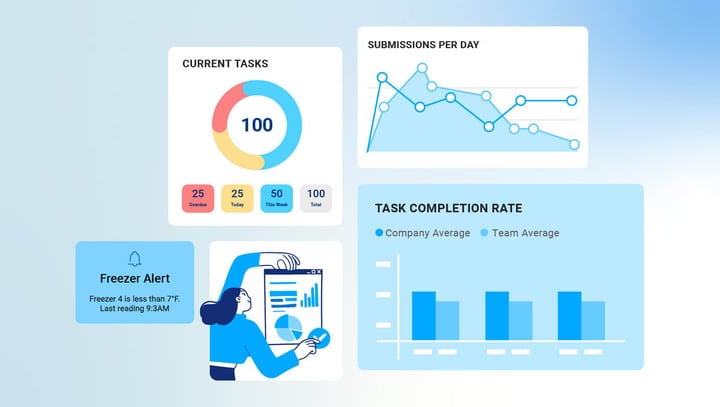
A strong walk-through program doesn't end when a walk-through is completed. It creates a repeatable cycle of checking standards, identifying issues, assigning corrective actions, and verifying that they're resolved. Digitizing that program with an operations execution solution makes it easier to standardize walk-throughs, capture results in real time, assign follow-up actions, and give operations leaders visibility into what’s happening across every location.
The goal isn’t simply to complete more walk-throughs. It’s to make sure the right standards are being followed — and that issues are addressed before they become bigger problems.
Ready to make store execution more consistent?
See how Crunchtime Ops Execution could help you build a strong store walk-through program.