


<img height="1" width="1" alt="" style="display:none" src="https://www.facebook.com/tr?id=1565360197020699&amp;ev=PixelInitialized">

What’s New in the Crunchtime Suite: July 2026

Listen to the audio version of this blog
3:31

While summer is traditionally a time when many people slow down, the Crunchtime suite is moving full steam ahead with new features to help you work smarter.

Keep reading to learn what we launched in July.

Want to get a closer look at any of these features? Just fill out this form for more information.

INVENTORY

Improve traceability and verify inventory counts in the mobile app

Blog animation 1 v2

  • Meet food traceability requirements: Easily capture key data points from your vendors in the mobile app to meet the federal record-keeping guidelines ahead of the 2028 enforcement date.
  • Easily check voice-entered inventory counts: View a transcript of inventory entered with Voice-Based Inventory to quickly verify counts and catch errors.

Learn more about these features.

LABOR

Work your way with new customization options

Blog animation 2 v2

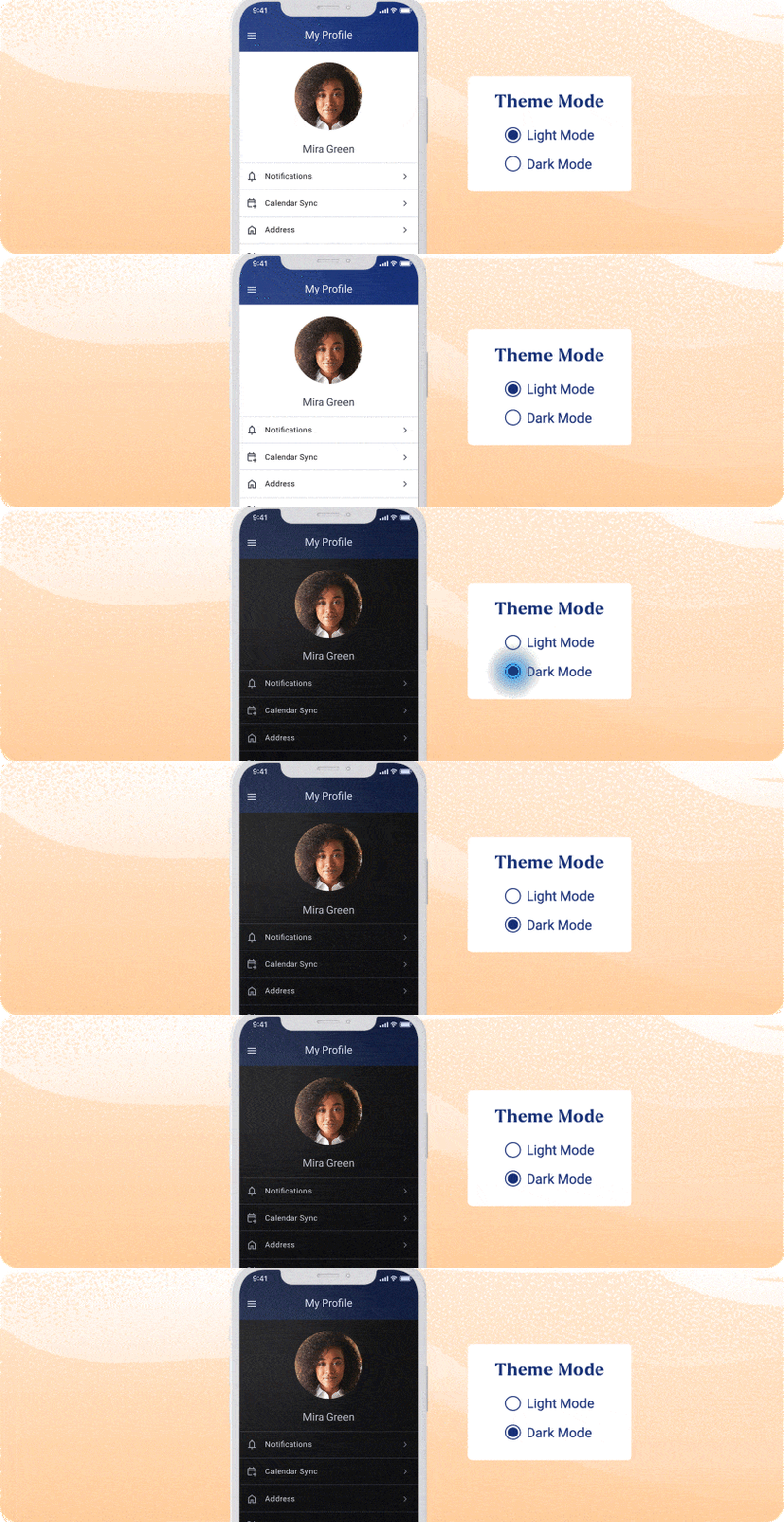
  • Enable dark mode in Teamworx: Choose the app appearance that works best for your team with System, Light, or Dark mode.
  • Create flexible ideal hours: Insert new demand ranges between existing ranges in Staffing Level Templates, making it easier to fine-tune configurations without starting over.
  • Say “oui” to a new language – Canadian French: Teamworx is now available in Canadian French, making it easier for more teams to work in their preferred language.

Learn more about these features.

OPS EXECUTION

More easily manage your hierarchy

Blog Animation 3 v2

  • Spend less time managing your hierarchy: Update users, locations, and controls more efficiently with drag-and-drop editing, bulk changes, undo, faster search, and a new side panel for managing unassigned users and locations.

Learn more about this feature.

KITCHEN

Speed up kitchen workflows with faster ticket bumping

Blog animation 4 v2

  • Bump orders faster on the kitchen display system: Double-tap any ticket to bump it on touch-enabled devices—no more select and click. 
  • Style seat numbers your way: Make seat numbers easier to spot at a glance with new customization options. Style seat numbers by bolding, underlining, inverting color, or doubling heigh or width. 

Learn more about these features.

INSIGHTS

Analyze performance across locations in less time

Blog animation 5 v2
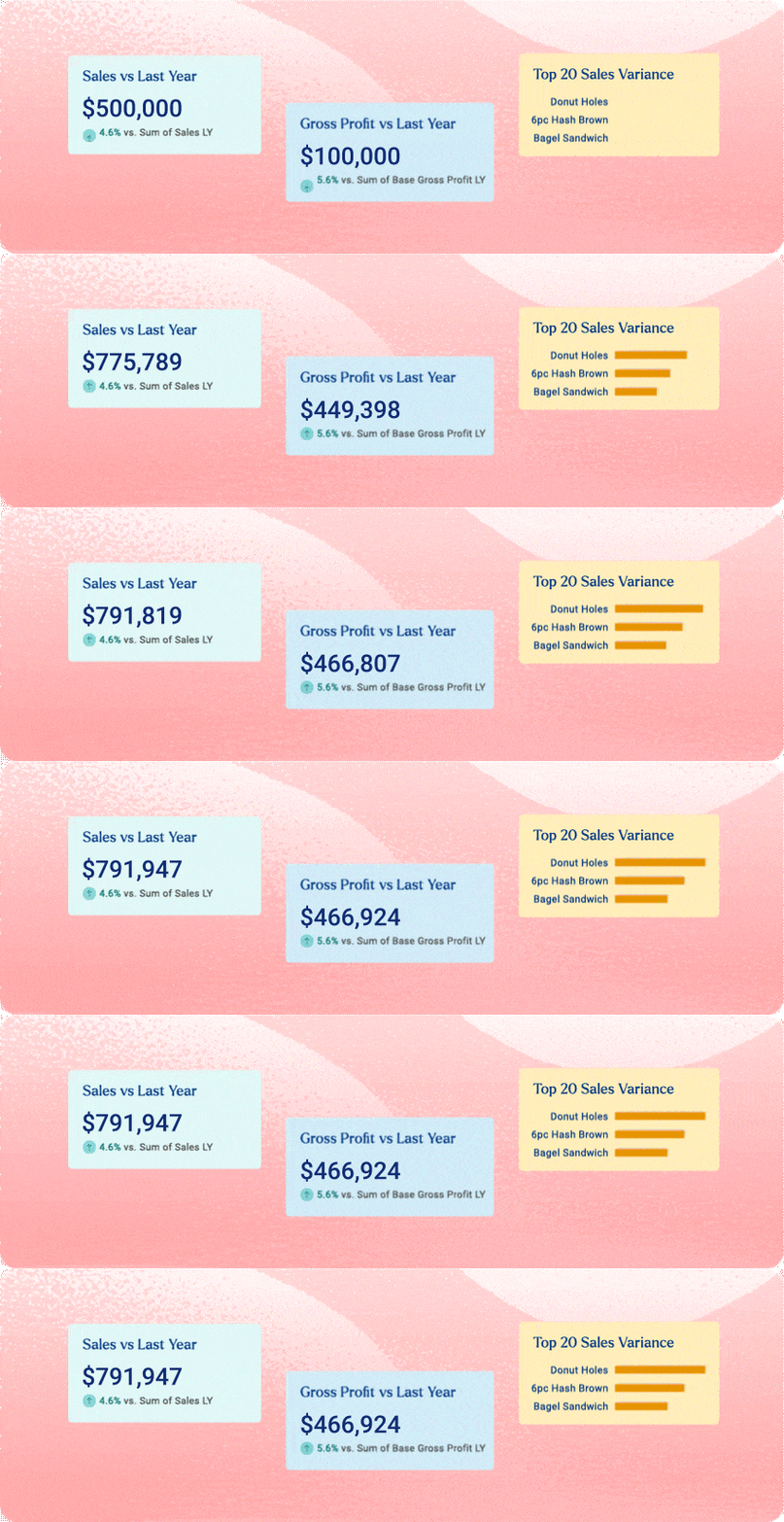
  • Historical Sales Comparison: Track growth, compare performance, and catch seasonal patterns without building a report from scratch every time.

Find more information about this feature.